Automation · Practical guide
AI for Builders and Construction Companies in Australia: 10 Practical Uses
How Australian builders use AI in 2026, in plain English: answering calls on the tools, quote follow-up, estimates, site diaries and record search, plus the variation, pricing and safety rules to follow.
Zlink AI Team8 min read
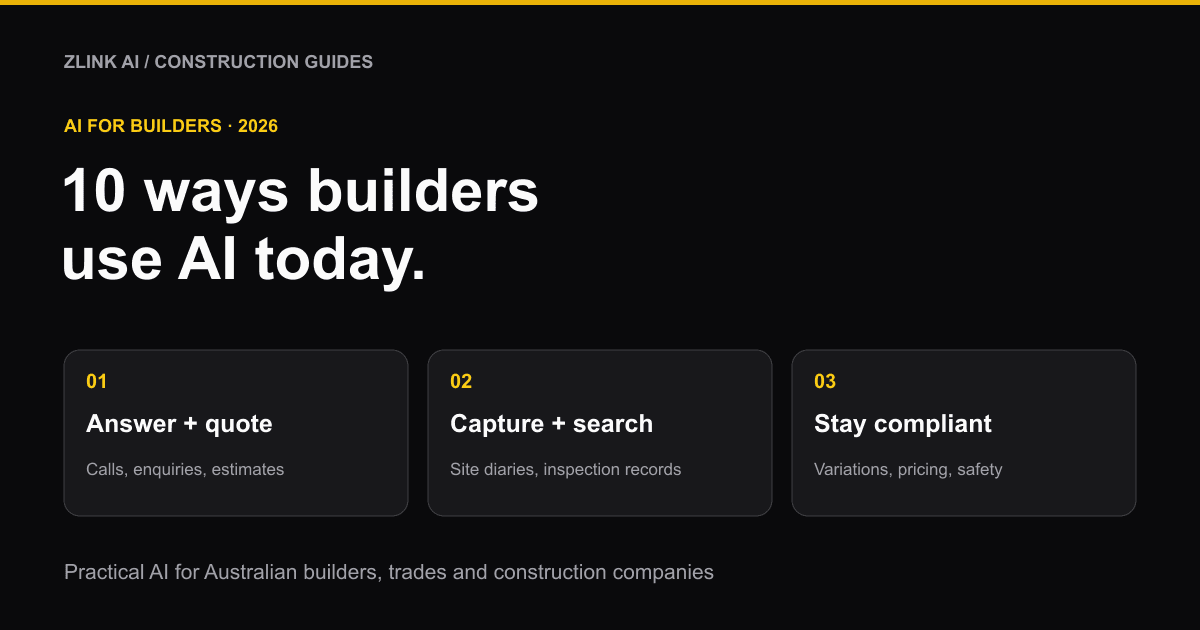
AI for builders means using software to take care of the jobs that eat into your week but don't need a builder's skill. Think of answering the phone while you're on the tools, following up quotes, typing up site diaries and finding one line in a pile of inspection reports. It won't swing a hammer or sign off on a frame. What it can do is hand back the hours you currently lose to admin.
This guide covers 10 practical ways Australian builders, trades and construction companies are using AI in 2026. It also explains what to try first and the rules you need to get right.
A quick note: Zlink AI builds AI receptionists and automation tools, including for builders and trades, so we have an interest in this topic. Every number below links to its source so you can check it yourself.
Why AI in construction matters right now
Australian builders are being asked to build more homes with fewer people.
- There aren't enough workers. Construction supports about 1.4 million jobs. A shortfall of around 300,000 workers is forecast by the middle of next year (IT Brief, on the Autodesk and Deloitte 2026 report).
- Productivity has barely moved. The same report found the sector's productivity is about where it was in the 1990s.
- Slow replies lose work. In research commissioned by OpenAI, 45% of construction businesses surveyed said they had lost potential work because they responded too slowly (Dynamic Business).
- Admin takes over the week. In the same research, 62% of business owners said quoting, invoicing or scheduling takes up more of their week than the work itself.
Big contractors are already moving. In KPMG's 2025/2026 Global Construction Survey of industry leaders, 43.8% of Australian respondents said they had adopted AI at scale, against 24% globally (KPMG). Smaller builders are further behind, which is where the easiest wins from AI for construction businesses are.
10 practical ways builders use AI
1. Answer every call while you're on the tools
This is the most common place to start. When you're up a ladder or on a slab pour, you can't pick up. An AI receptionist answers every call, day or night. It takes the caller's name, suburb and what job they need, and it can book a site visit into your calendar. Then it sends you a short summary by text. Urgent calls, like a leak or a safety issue, go straight to your mobile.
It doesn't replace you talking to the client. It makes sure the client is still there when you call back. To see how it compares with a human answering service, read AI receptionist vs virtual receptionist.
2. Reply to website enquiries in seconds
Most people who fill in a form on a builder's website also fill in two or three others. Whoever replies first usually gets the site visit. An AI chat agent on your website can answer common questions straight away ("Do you do extensions in Penrith?", "Do you handle council approvals?"). It collects the details you need and books a time to talk.
3. Follow up every quote automatically
Plenty of quotes go out and are never chased. A simple automation can send a friendly follow-up a few days after each quote, remind you to call the warm ones, and log the reply. Nothing slips because you were busy on site that week.
4. Get a first draft of estimates and takeoffs
Estimating software is adding AI quickly. For example, the estimating tool Buildxact has added an AI assistant called Blu. Blu helps with takeoffs, builds estimates and reviews them (For Construction Pros).
Check every quantity yourself. AI is good at a fast first pass and bad at knowing what's unusual about a particular site. Treat its numbers as a draft you check, not a price you send.
5. Turn site notes, photos and voice memos into quotes
You can talk through a job into your phone on the drive home, then have AI turn your notes, photos and rough measurements into a tidy scope of work or a quote. CommBank and OpenAI now run a free AI masterclass series aimed at trades that covers exactly this (Dynamic Business).
6. Type up handwritten site diaries, checklists and dockets
A lot of construction paperwork is still on paper: site diaries, prestart checklists, delivery dockets and timesheets. AI handwritten text extraction reads photos of those pages and turns them into typed, searchable records. Nobody has to retype them at night.
7. Search your inspection records and registers in seconds
Say you need to know whether a specific item was signed off, like "fire collar, level 2, unit 204". At the moment, someone has to open PDF after PDF to find it. AI document search reads all your inspection records, ITPs, defect lists and registers at once. It answers your question and points you to the exact page so you can check it.
This works best when your files are clean and consistent. AI data cleaning and organisation can tidy messy spreadsheets and registers first.
8. Keep every lead and job in one place
Leads arrive by phone, website, email, Facebook and lead sites. An AI CRM pulls them into one list, records every call and message against the right job, and reminds you who needs a call back. No more searching through your texts.
9. Turn site meetings into notes and action items
After a site walk or client meeting, someone has to write up what was agreed and who's doing what. An AI meeting summariser turns the recording into notes and a task list. Always ask everyone's permission before you record.
10. Get a faster first read of contracts and subcontracts
Before you sign a head contract or a subcontract, AI contract analysis can flag the key terms, like payment timing, retention, liquidated damages and variation clauses, so you know what to ask about. It's a starting point. Get a construction lawyer to review anything important.
The rules: what builders must get right
AI makes it easy to answer faster. It also makes it easy to promise something you shouldn't. Here are the rules that matter most.
Never let AI agree a variation or a price on the phone
Variations are where building disputes start. In NSW, variations to a residential building contract must be in writing, attached to the contract and signed by both parties (NSW Government). Other states have their own rules, so check with your state's building regulator.
Set up your AI receptionist or chat agent to take down a variation request and pass it to you. It should never agree to one, quote a price for it or confirm it.
Don't give prices you can't honour
Under Australian Consumer Law, businesses must not make false or misleading claims, including about price (ACCC). If your AI gives a "rough price", make sure it's clearly labelled as an estimate, comes from rules you set, and is confirmed by a person before anyone relies on it.
AI doesn't take over your safety duties
AI camera systems that spot missing PPE or unsafe zones can help. But your duties under work health and safety laws stay with you and your business (Safe Work Australia). Use AI as an extra set of eyes, never as the person responsible.
Privacy and call recording
- Tell callers they're talking to an AI, and if the call is recorded, say so at the start.
- Never paste a client's personal details into a free, public AI tool. Use business tools with clear terms about where your data is stored.
- Many small businesses with a turnover of $3 million or less are exempt from the Privacy Act, but there are exceptions. If your business is covered, then from 10 December 2026 your privacy policy must explain when a computer program uses personal information to make, or help make, decisions that could significantly affect someone (OAIC). Get advice if you're unsure.
What does AI cost for a building business?
It depends on the job you give it.
- An AI receptionist is usually priced per minute of calls, plus a monthly or setup fee. For real Australian prices, see our AI receptionist cost guide.
- AI features inside software you already use (estimating, job management) are often included in your plan or sold as an add-on. Check which tier includes what.
- Custom automations (quote follow-up, document search, site diary capture) are usually a one-off build plus a small running cost. Start with one and measure it before adding more.
How to get started with AI in your building business
- Count your missed calls. Check your phone log for the last two weeks. If you're missing more than a handful of calls a week, start there.
- Pick one job, not ten. The best first project is the one costing you the most time or the most lost work, like missed calls, slow quote follow-up or retyping site paperwork.
- Write down the rules first. Decide what the AI may never do: agree variations, give firm prices, or give safety advice.
- Check the output for the first month. Listen to calls, read summaries and spot-check estimates until you trust it.
- Tell your clients. A short line like "Our AI assistant answers when we're on site, and a person calls you back" builds trust.
Frequently asked questions
Can AI search my construction inspection records and registers for a specific line item?
Yes. AI document search can read all your inspection reports, ITPs, defect lists and registers and answer a question like "Was the fire collar in unit 204 signed off?" It shows the exact document and page so you can check the answer. It works best when your records are scanned clearly and named consistently.
Will AI replace builders or estimators?
No. AI handles the repetitive parts: first-draft takeoffs, typing up paperwork, answering routine calls. Judgement, pricing risk, site knowledge and client relationships still need a person. With a worker shortage forecast, AI is more likely to help a small team keep up than to replace anyone.
Is AI estimating accurate enough to send to clients?
Not without checking. AI is fast at counting and measuring from plans, but it can miss site conditions, access problems or unusual details. Use it for a first draft, then check every quantity and price yourself.
What are the best AI tools for builders in Australia?
It depends on the job. For estimating, look at the AI features in tools like Buildxact. For drafting quotes and emails, general tools like ChatGPT are widely used. For calls and enquiries, use an AI receptionist and website chat agent set up for your business. Start with the problem costing you the most, not the most popular tool.
Can an AI receptionist book site visits for a builder?
Yes. It can check your calendar, offer free times, book the visit and send the client a confirmation by text. It should take the client's address and job details, and pass urgent calls or variation requests to you rather than handling them itself.
Get help putting AI to work in your building business
Zlink AI builds AI receptionists, AI chat agents and AI automation for Australian builders, trades and construction companies. Book a free consultation and we'll help you find the one job worth automating first.